From your mobile number to the keys, the sale certificate or the release letter — here is exactly how a Min-elam auction works.
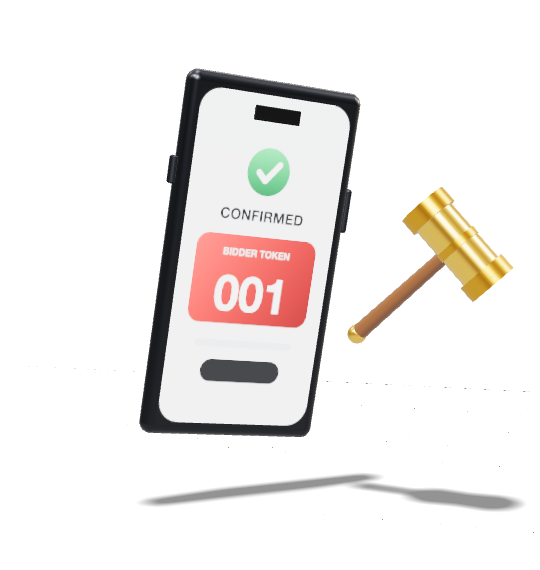
Mobile number and OTP. Pay the ₹100 platform fee once for the pool.
Read each RTO inspection report; book a free viewing at the yard.
Your token bids on any vehicle. A late bid extends the clock by 5 min.
Pay at the office within 48 hours; collect the vehicle and sale letter. RC transfer follows through VAHAN.
PAN is needed for property. Pay the platform fee once for the sale.
Sale notice, title papers and valuation are in the app. Book a site visit.
10% of the reserve, held by the gateway — refunded in full if you are outbid.
25% within 24 hours, the balance within 15 days. Then the seller issues your sale certificate.
Pay the platform fee once for the sale.
Weight, purity and the valuer’s report are in the app. Book a viewing at the branch.
10% of the reserve — refunded in full if you are outbid.
Pay within 72 hours, then collect at the branch with your release letter.
We only ask for what the seller’s rules require — and only when you register for that kind of sale.
| Kind of sale | To sign in | To register | Why |
|---|---|---|---|
| VehiclesRepossessed vehicles | Mobile number + OTP | Aadhaar verification | Sellers must know who they sell repossessed vehicles to. |
| PropertySARFAESI sales | Mobile number + OTP | PAN verification | Required for property sale certificates and tax reporting. |
| GoldGold loan auctions | Mobile number + OTP | PAN verification | Required for high-value gold purchases. |
Your bidder token is your public name in the pool — other bidders see the token, never your name or number.
A notification the moment someone beats your bid, and a reminder before each lot closes.
Receipts, tax invoices, sale letters, sale certificates and release letters — sealed, and kept in the app.
See what’s open now, or download the app and sign in with your mobile number.
 Min-elam